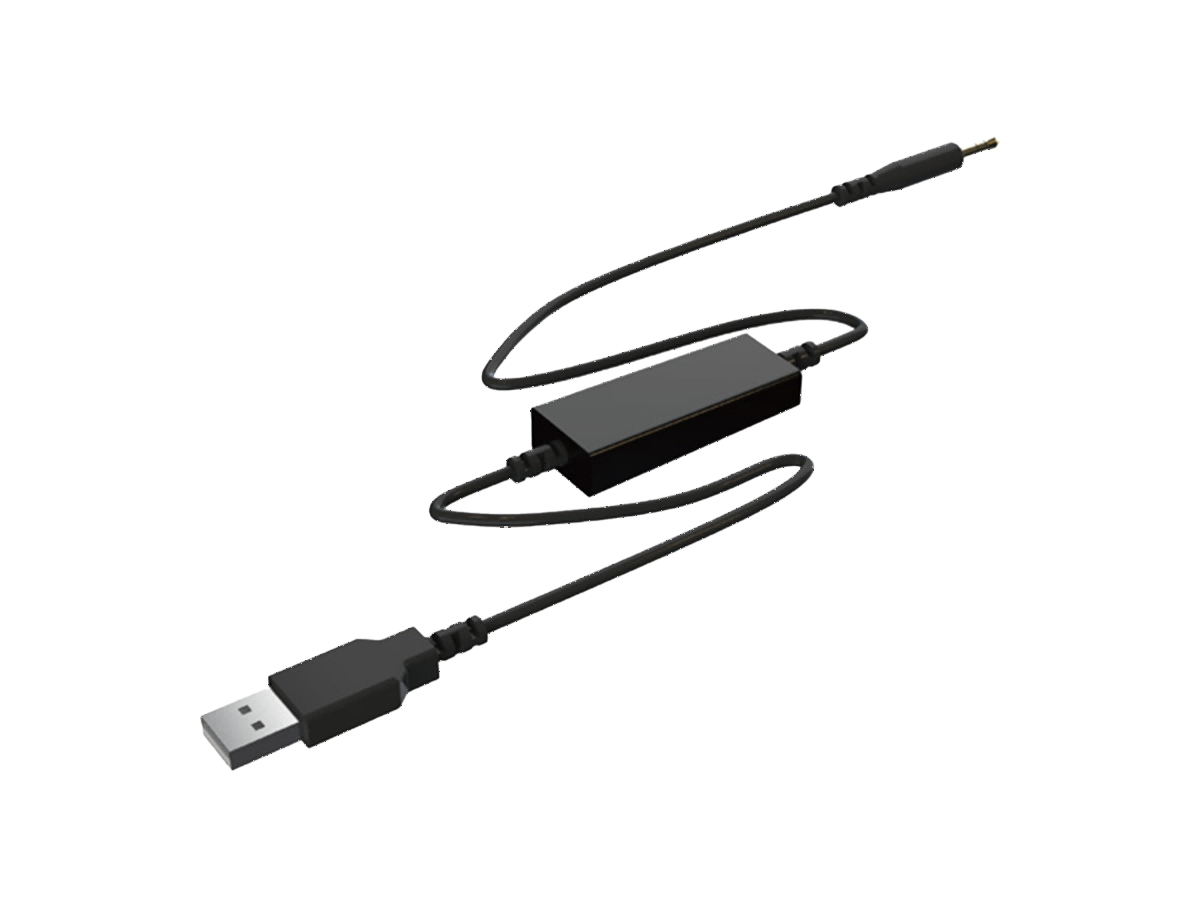
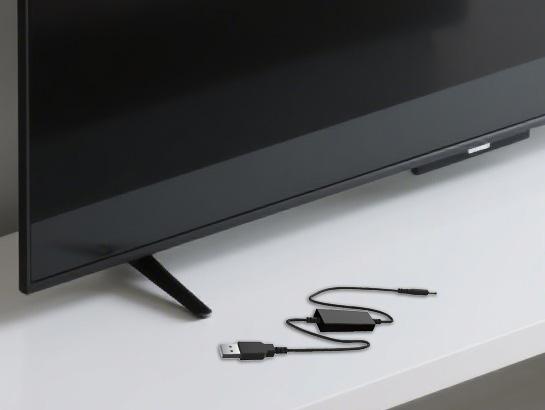
USB IR Blaster Cable
Product Code:
YO103-232 (R2W)
Features
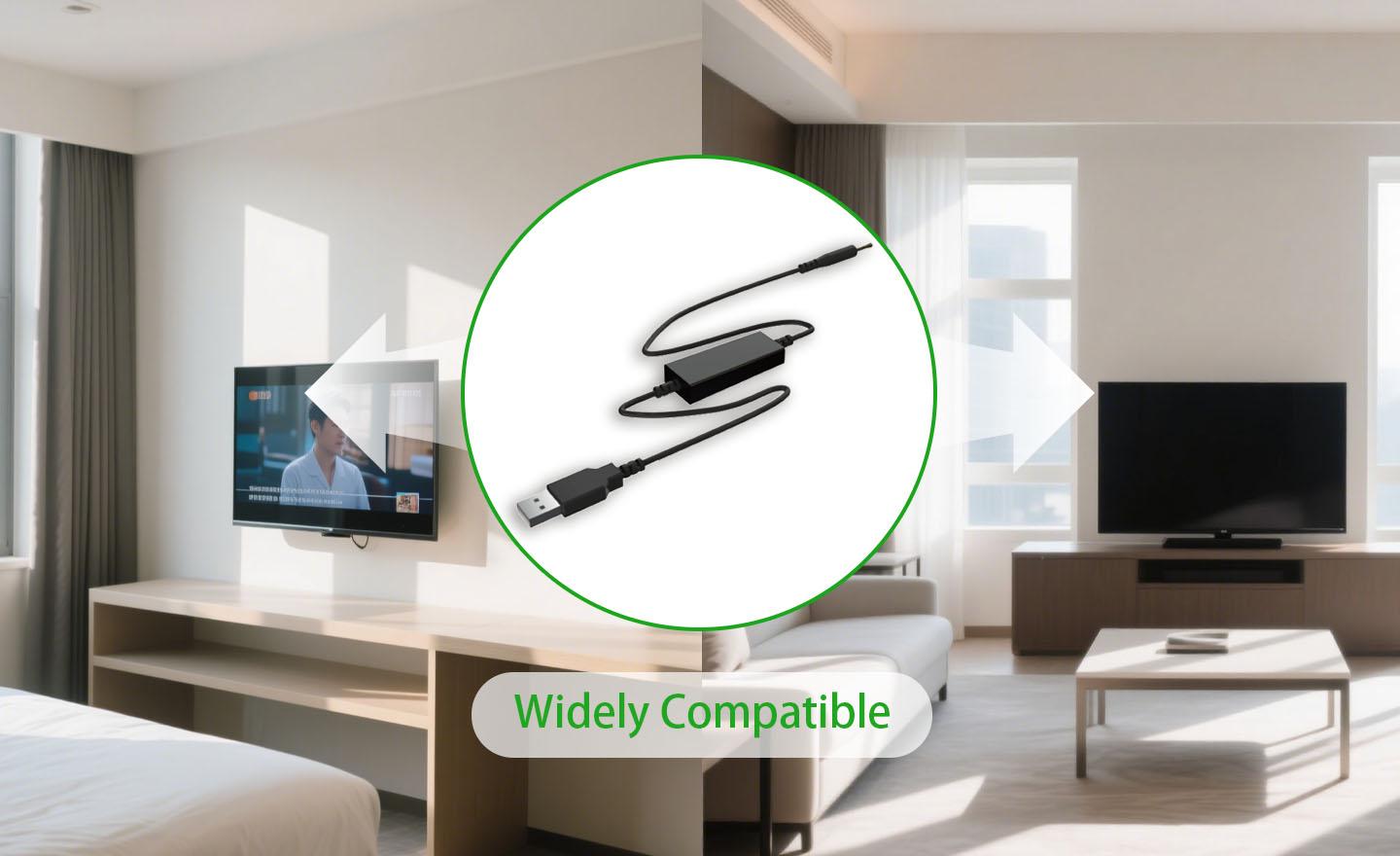
- Widely Compatible with Various TV Brands and Models
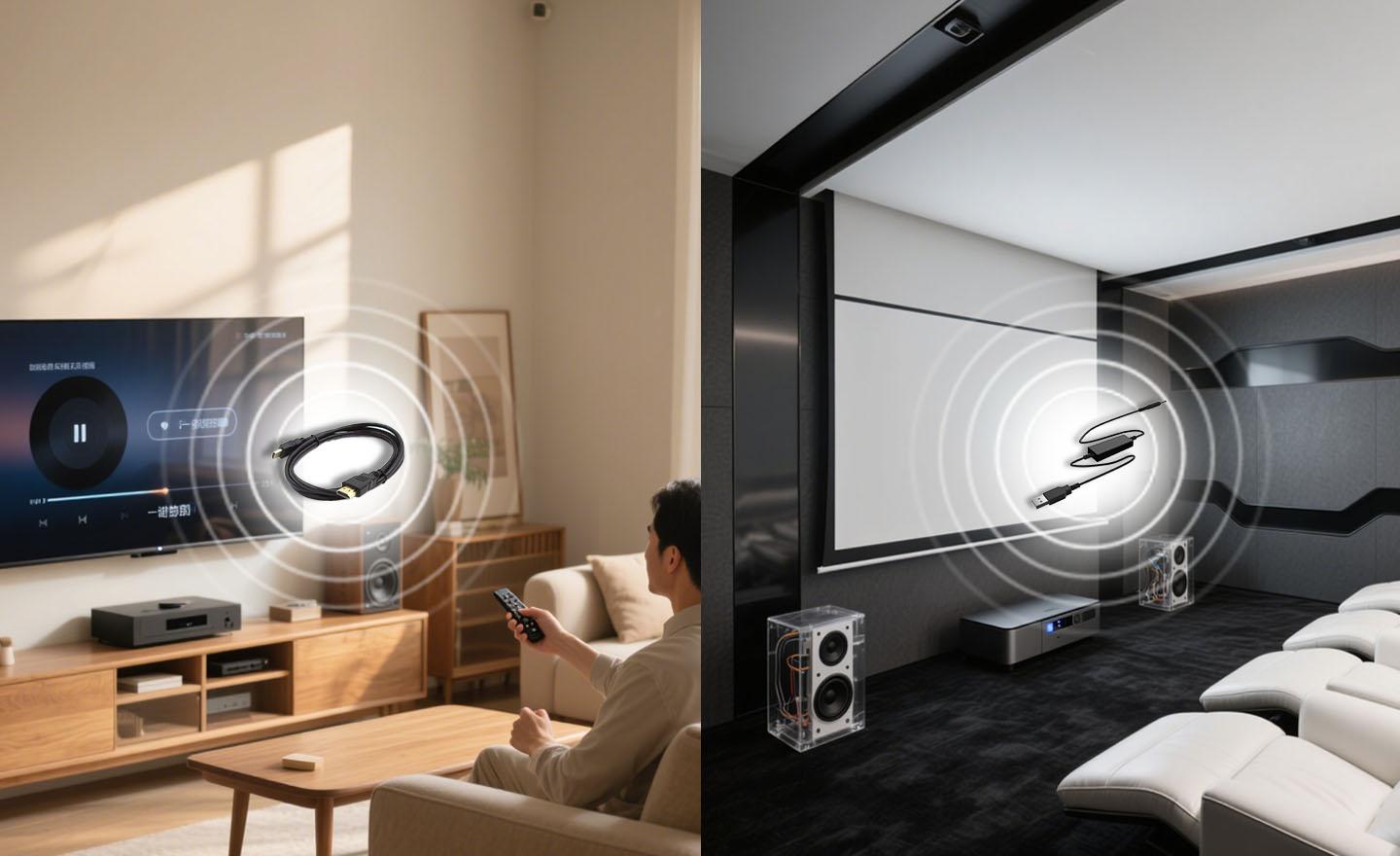
- Both CEC and 232 Control Options
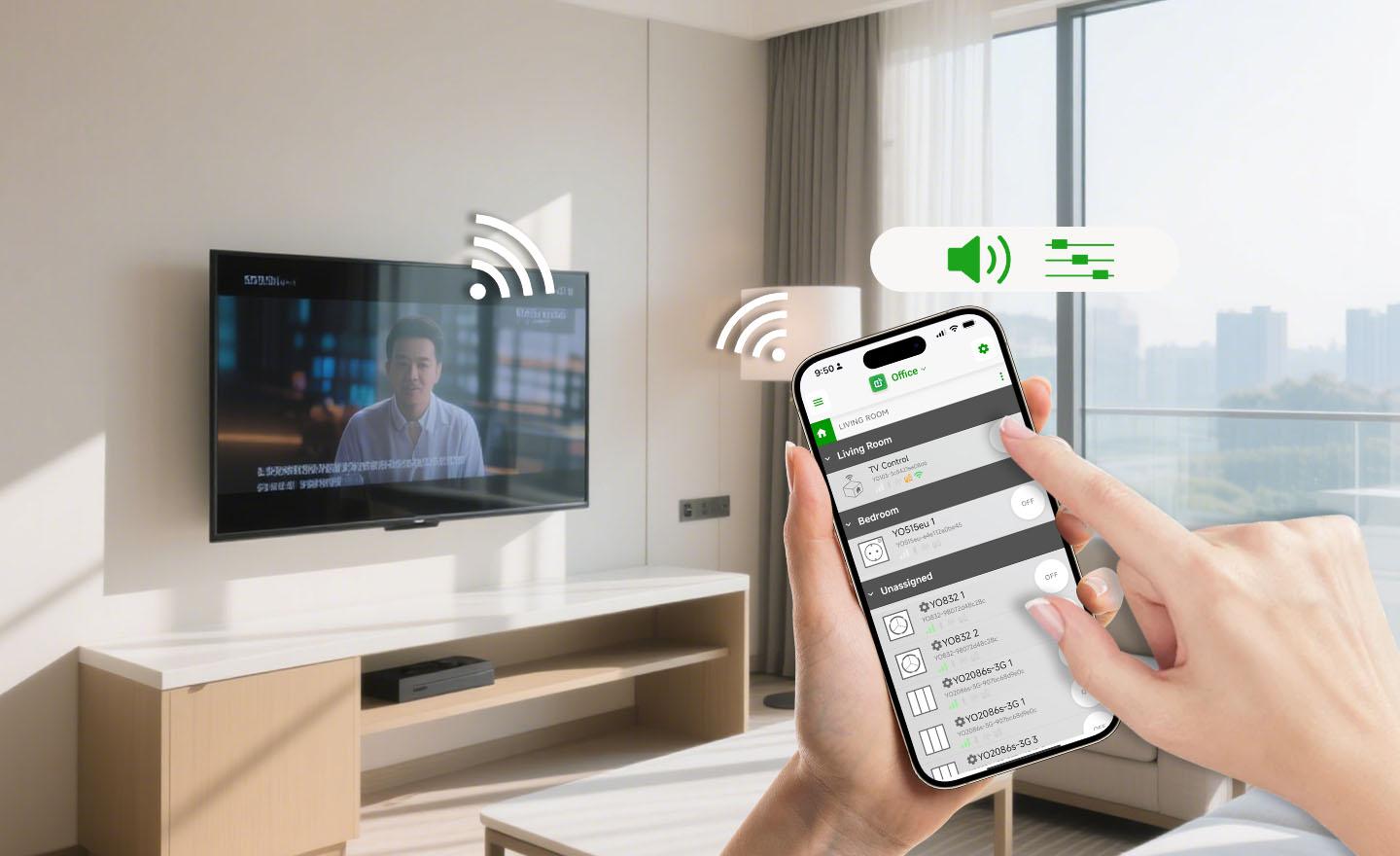
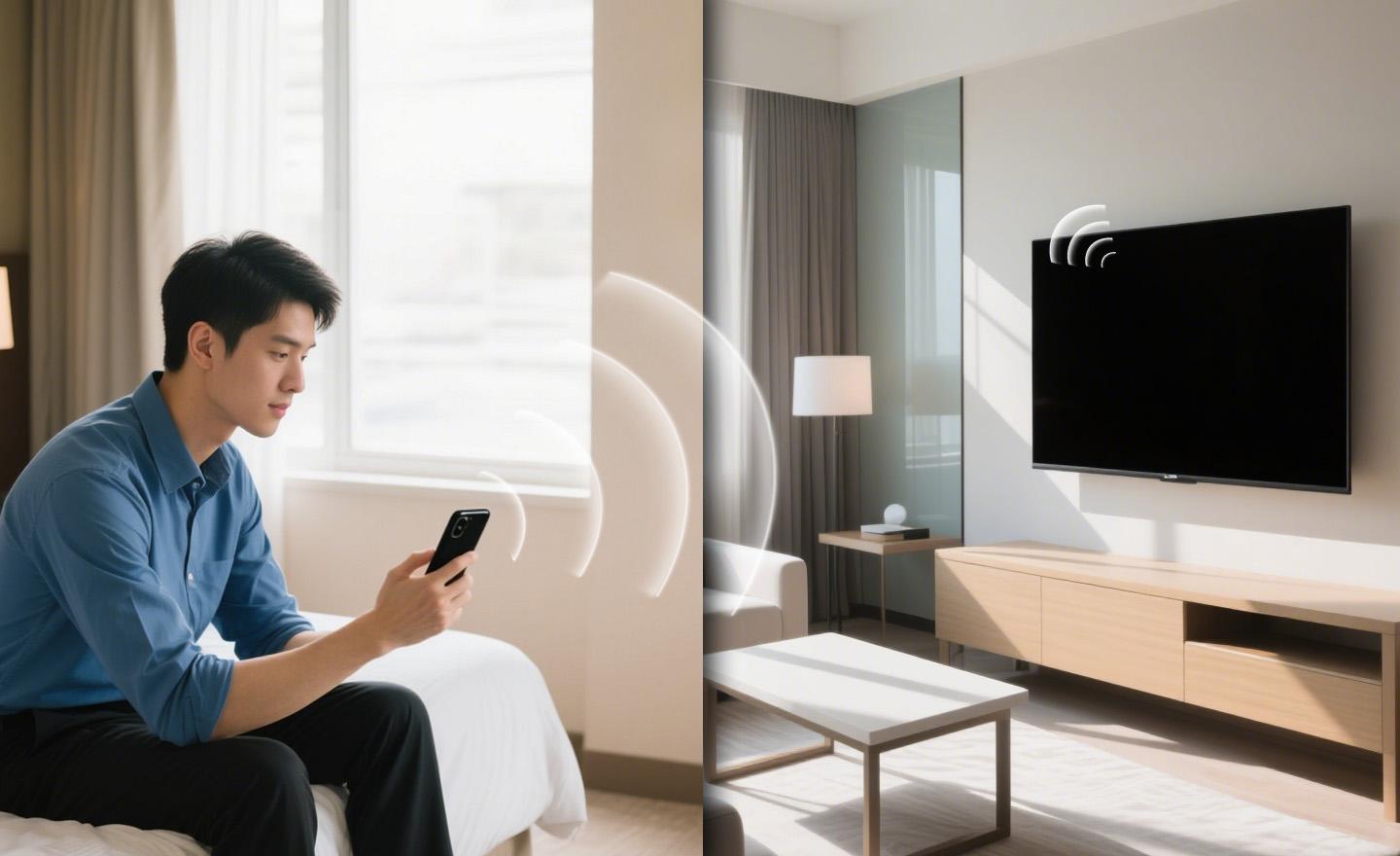
- Intuitive Navigation for Easy Control via Yoswit App
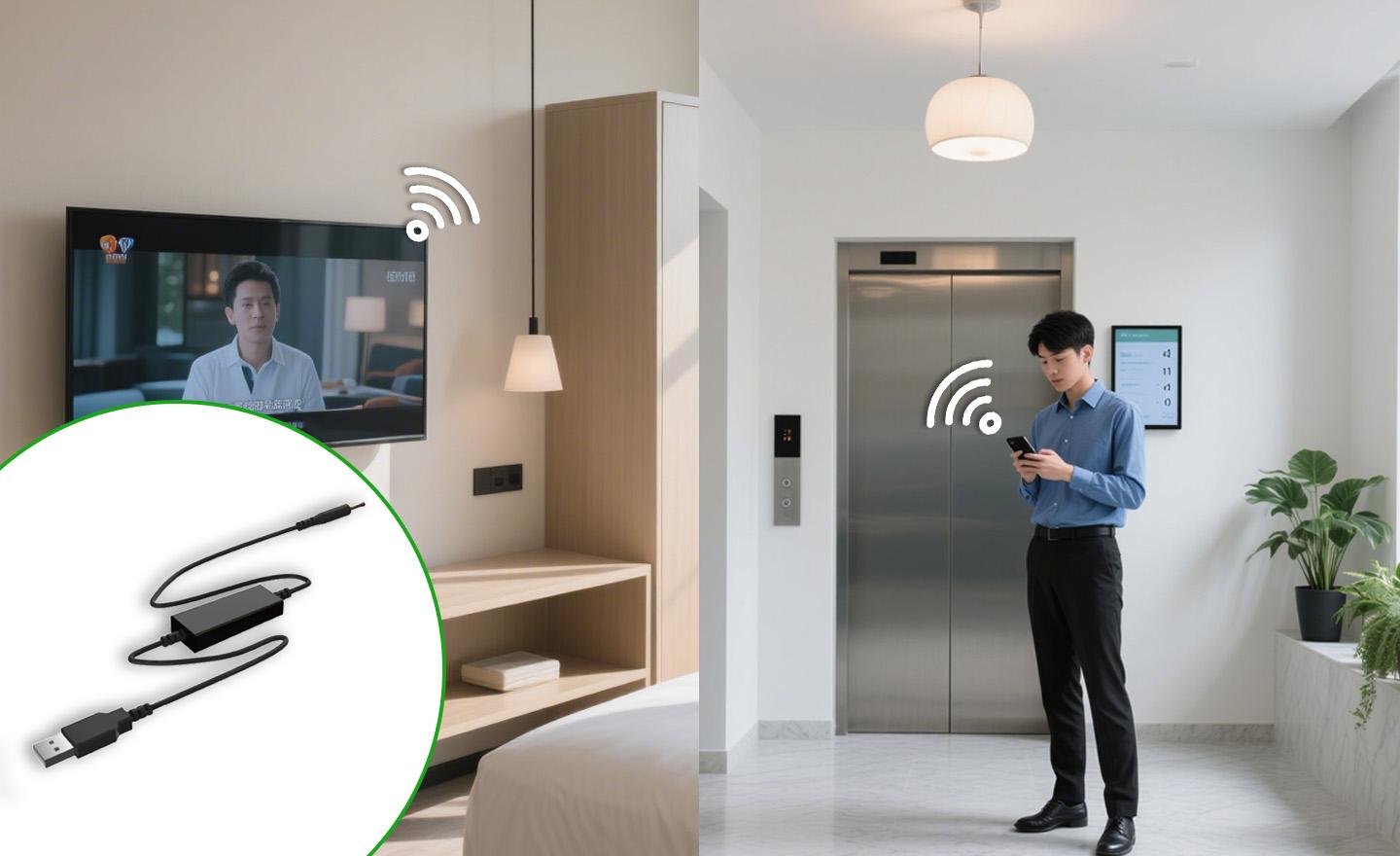
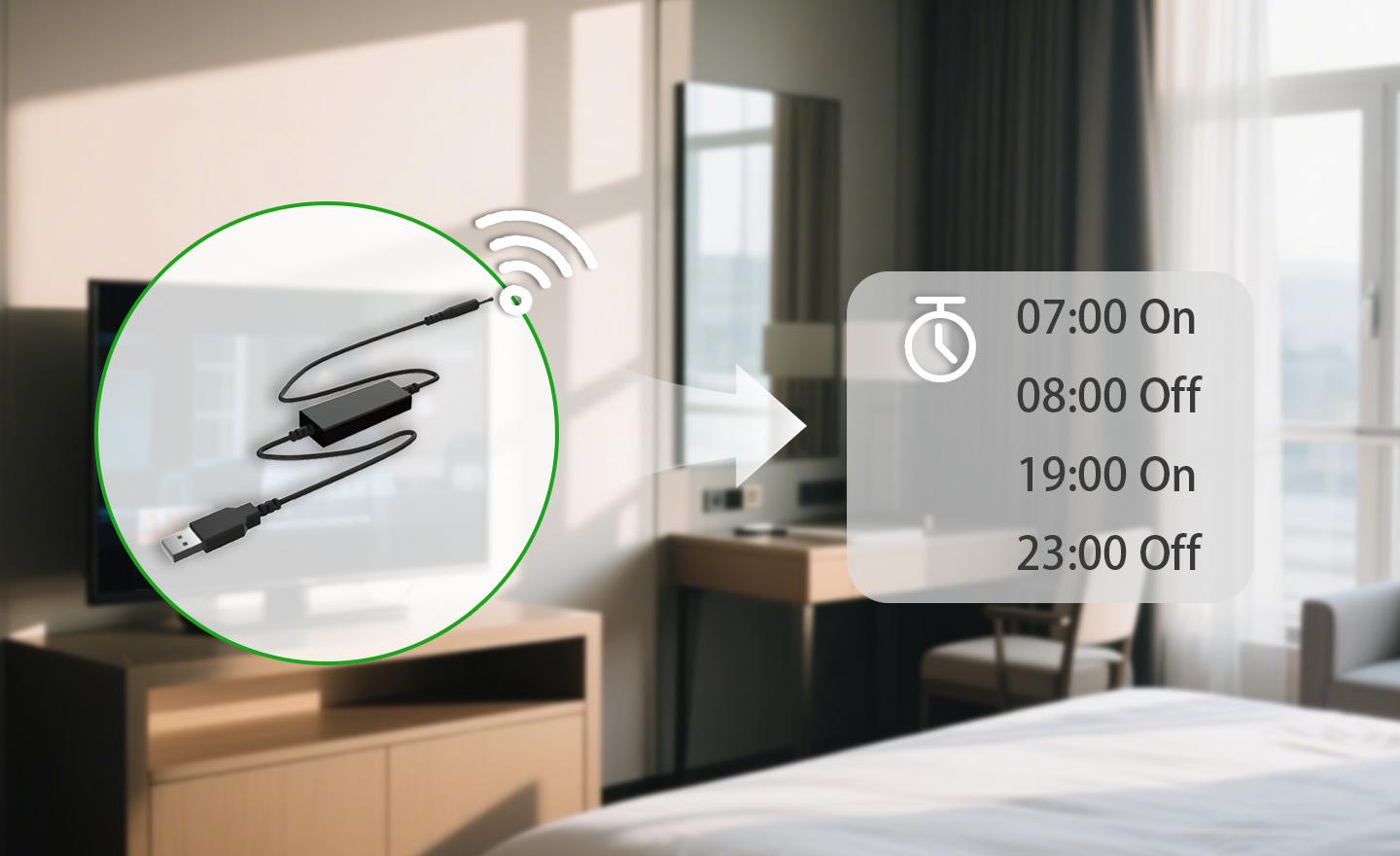
- Built-in WiFi Enables Remote Management
- Built-in Timer for Automation
- Stable and Reliable Infrared Signals with Consistent Connection
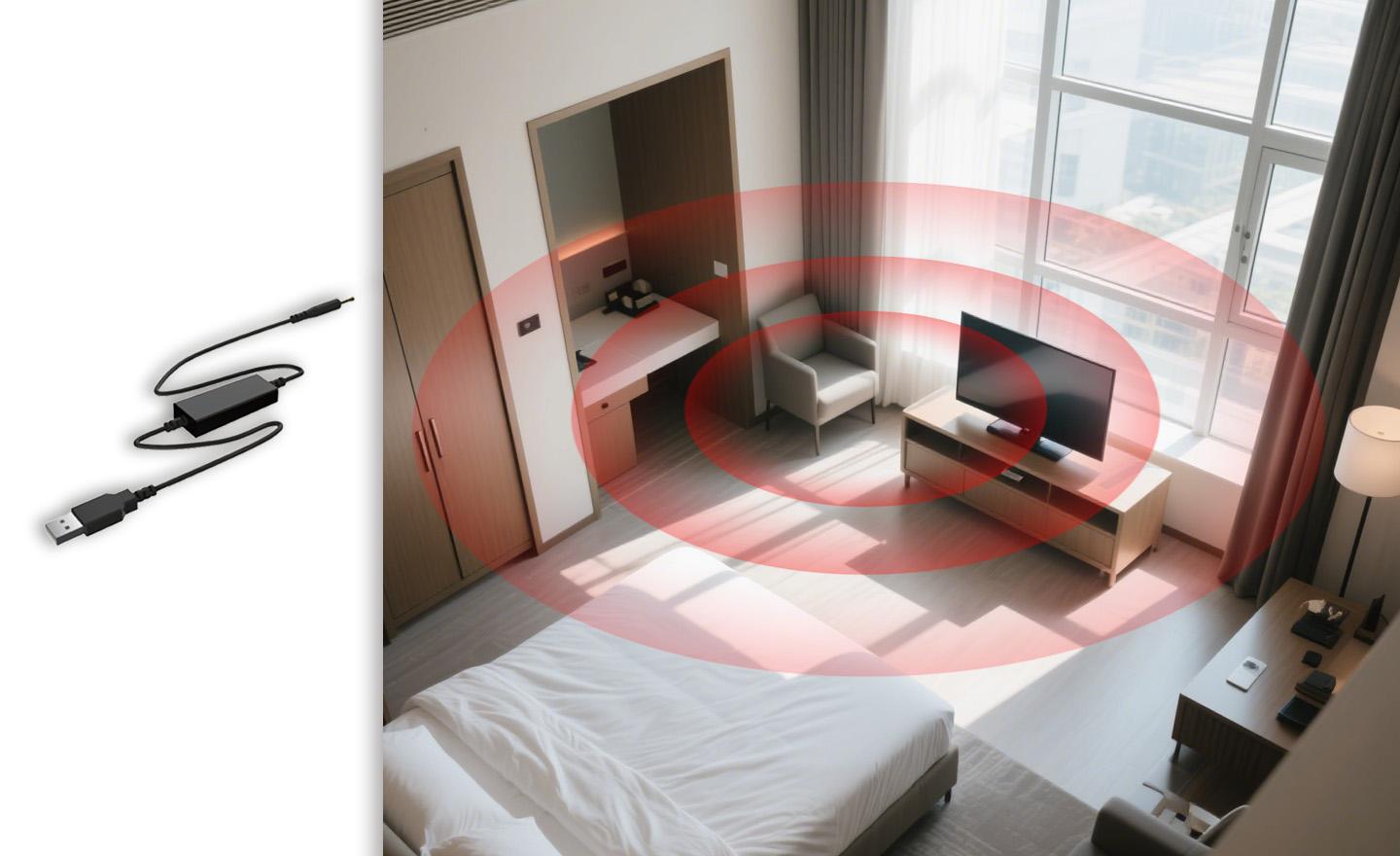
- Long Transmission Range Interruption-Free

Features
Retrofit Compatibility
Designed for room-by-room upgrades in existing projects with minimal rewiring.
Product Ecosystem
Works with the Yoswit Smart Ready series for unified management.
System Integration
Integrates with apps, PMS, access control, and third-party systems on a project basis.
Communication Spec
Bluetooth 4.2 BLE low-power communication.
| General | ||
| Product Name |
Smart 232 Control
|
|
| Model |
YO103-232 (R2W)
|
|
| Revision |
V1.0
|
|
| Manufacturer |
Designed by Yoswit in Hong Kong, China / Assembled in Guangdong, China
|
|
| Application | ||
| RS 232 |
1*232, Support RS 232
|
|
| USB |
1 × USB Type-A for Power Supply
|
|
| mechanical | ||
| Operating Temperature |
-20°C to 85°C
|
|
| Operating Humidity |
0-95% RH, Non-Condensing
|
|
| Operation |
APP
|
|
| Electrical | ||
| Operation Power |
DC5V±5%
|
|
| Power Consumption |
≤2W
|
|
| Wireless | ||
| Frequency |
2.4GHz
|
|
| Connection |
Wifi 2.4G / BLE 5.0
|
|
| Range |
Open area: >50m / Interior: 3-20m
|
|
WARNING!

Disconnect Power
To prevent severe shock or electrocution, always disconnect the power at the service panel before installation. Only licensed electricians should carry out the installation.
Basic Installation
1
Insert the USB plug into an active USB power supply.
2
Aim the IR emitter tip toward the IR receiver of your TV or appliance.
3
Open the Yoswit App to add and bind the cable.
4
Choose your preferred control mode: CEC or RS232.
5
Configure scheduled tasks and automation in the App.
6
Verify signal reception and enjoy wireless IR control.
| Download | ||
| Data Sheet | ||